Performance Max for agricultural machinery: settings that stop wasted spend
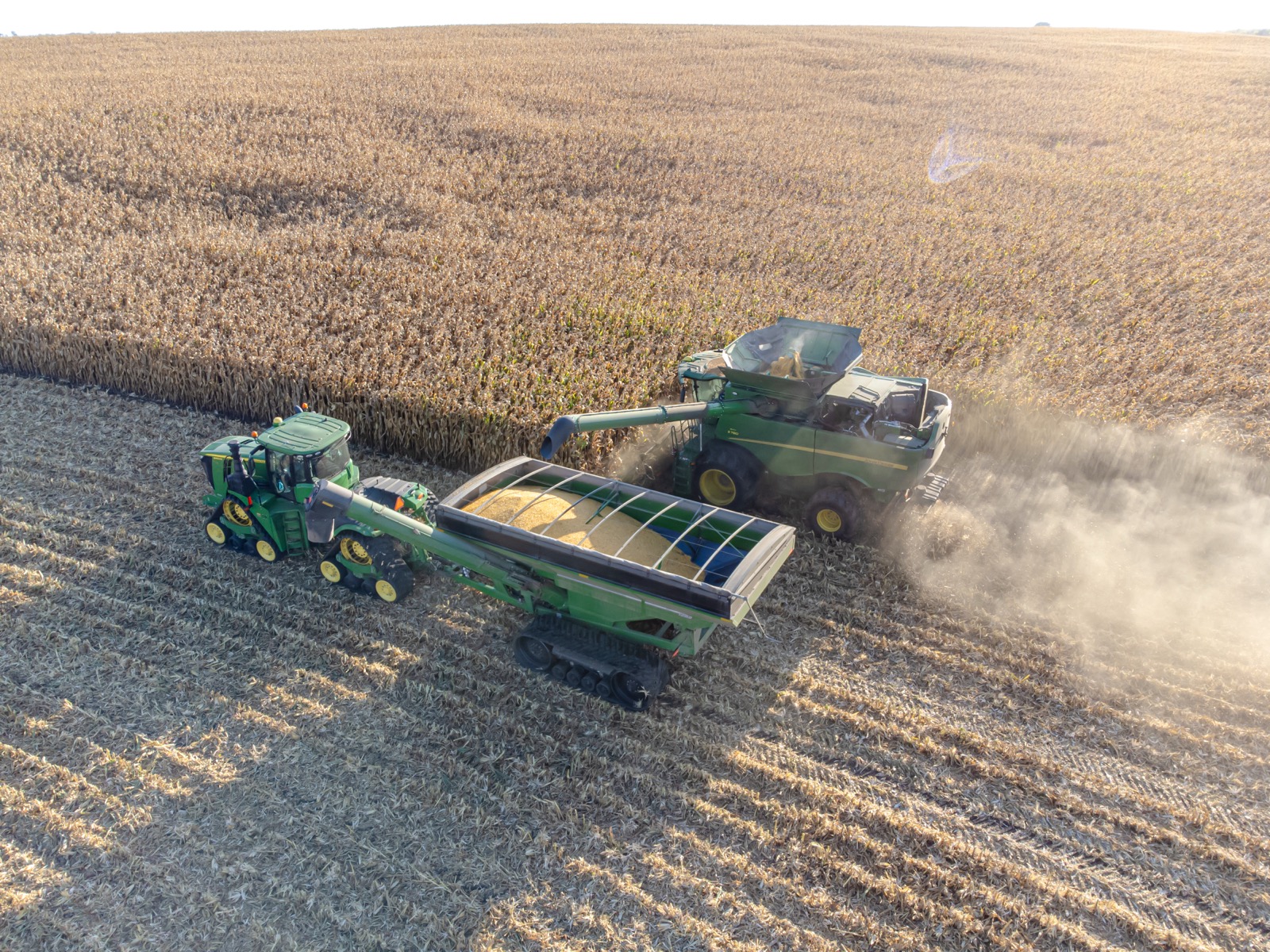
Why default Performance Max bleeds money for machinery businesses
Performance Max is built to spend. Left on defaults, it will happily chew through your budget on Search, Display, YouTube, Gmail and Discover, sending you traffic that looks busy in the dashboard and converts into almost nothing on the ground. For an agricultural machinery business selling balers, spreaders, augers or a 200 thousand dollar header, that mismatch is expensive fast.
The problem is that Google optimises toward whatever conversion you feed it. If your conversion is a raw form fill or a phone call of any length, PMax will find you the cheapest possible version of that action, which is usually a tyre-kicker, a job seeker, or someone who confused you with a parts supplier. The machine is doing exactly what you told it to. The fix is telling it something better.
None of the settings below are secret. They just get skipped because the campaign build flow rushes you past them, and because the person building it is thinking about clicks and cost per lead, not sales-qualified leads and revenue.
Feed it the right conversion, or nothing else matters
This is the single setting that decides whether the campaign works. Do not optimise toward every form and every call. Optimise toward the action that correlates with an actual sale.
For most machinery dealers and manufacturers, that means splitting your conversions into a lead event and a sales-qualified lead event, and telling PMax to bid to the second one. A sales-qualified lead is someone your team has confirmed has budget, a genuine need, and is the right kind of buyer, a farmer or contractor, not a student or a competitor.
You do this by importing offline conversions. When a lead becomes qualified in your CRM, push that status back to Google Ads with the GCLID. Now the algorithm learns what a good lead looks like and stops chasing cheap rubbish. If you can push the closed sale and its value back too, even better, because then PMax can bid toward revenue instead of lead count.
Lock down brand terms and search themes
By default PMax will spend on your own brand name and count those conversions as wins, flattering the numbers while you pay for traffic you would have got for free. Add your brand and dealership name as a negative keyword list at the account level and apply it, so the machinery campaign is earning genuinely new demand.
Use search themes deliberately, not as a wishlist. Give it the specific machine categories and buying-intent phrases that match your range, such as the model families you actually sell and terms like finance, dealer, and for sale. Skip broad category words that pull in hobbyists and parts hunters.
Then watch the search terms and placements that do show up. PMax hides more than standard Search, but you can still pull the insights report and the placement data. Add negatives for irrelevant queries, and exclude the mobile game and junk content placements that soak up Display and video budget.
Control the asset groups and geography
One asset group with a generic hero image and a scatter of headlines is how you get a bland, unfocused campaign. Build separate asset groups per machine category or use case, so the messaging and imagery match what the buyer typed. A grain handling buyer and a livestock feeding buyer should not see the same ad.
Feed it real assets. Genuine photos of the machinery in the paddock, short clips of it working, and headlines that name the machine, the finance option, and the region beat stock imagery every time. If you sell used equipment, that is often a stronger asset group than new, because the intent and price sensitivity are different.
Geography matters more for machinery than most verticals. If you only deliver, service, or hold stock within certain states or a delivery radius, set location targeting to presence, not presence or interest, so you are not paying for enquiries from the other side of the country that your team cannot service.
- Never a single catch-all group
- Split by machine category or use case
- A grain handling buyer and a livestock feeding buyer should not see the same ad
- Used is often a stronger group than new, the intent and price sensitivity differ
- Genuine photos of the machinery working
- Short clips of it in the paddock
- Headlines naming the machine, the finance option and the region
- Stock imagery loses to all of the above, every time
- Set location targeting to people in your service area
- Not people merely interested in it
- Matters more for machinery than almost any other vertical
- Otherwise you pay for enquiries your team cannot service
Turn off the settings that quietly widen the spend
A few toggles exist purely to help Google spend more. Final URL expansion lets PMax send traffic to any page on your site it thinks is relevant, including parts, careers, and blog posts. Turn it off and pin traffic to the pages you actually sell from, or add URL rules so it only expands where you allow.
Set a target that reflects your economics. If you leave the campaign on maximise conversions with no target, it will drive lead count at any cost. Once you have enough qualified-lead data flowing in, move to a target cost per action based on your qualified lead, or target ROAS if you are passing sale values. That gives the algorithm a ceiling and stops the spend creeping.
Finally, do not judge the campaign on cost per lead. Judge it on cost per sales-qualified lead and, ultimately, cost per sale. A campaign showing a cheap cost per lead while your sales team drowns in unqualified enquiries is not winning, it is just hiding the waste one step down the funnel.
The tracking that ties it all together
Every setting above depends on one thing: knowing which clicks became real customers. Without that, PMax is optimising blind and you are guessing. With it, the campaign gets smarter every week because it is learning from your actual sales, not a vanity metric.
Practically, that means capturing the GCLID on your forms, storing it against the lead in your CRM, and pushing status changes and closed sales back into Google Ads. It is a couple of hours of setup that changes the entire trajectory of the account. For machinery businesses with long sales cycles and high order values, one avoided month of wasted spend usually pays for the work many times over.
Get the conversion right, lock down the brand and placements, tighten the geography, and close the loop from click to sale. Do that and Performance Max stops being a budget leak and starts becoming the channel that fills your pipeline with buyers your sales team actually wants to call.
Two questions before you go
Answer them and you will know whether your Performance Max campaign is working or just spending.
-
1. Your Performance Max campaign reports a $22 cost per lead, the best in the account. What is the first thing to check?
Brand traffic. By default Performance Max spends on your own dealership name and books those conversions as wins, which flatters the numbers while you pay for traffic you would have had for free. Apply a brand negative list at account level, then look at the cost per lead again. It will be higher and it will be honest.
-
2. You only deliver and service within two states. Which location setting do you use?
Presence. The default of presence or interest means you pay for enquiries from the other side of the country that your team cannot service, and worse, those enquiries still count as conversions and teach the algorithm to find more of them. Geography matters more for machinery than almost any other vertical.

Want this system built for your business?
Harvest Lead builds lead and sales systems for agriculture and machinery businesses across Australia. Book a call and we will map your search demand.
Book a strategy call